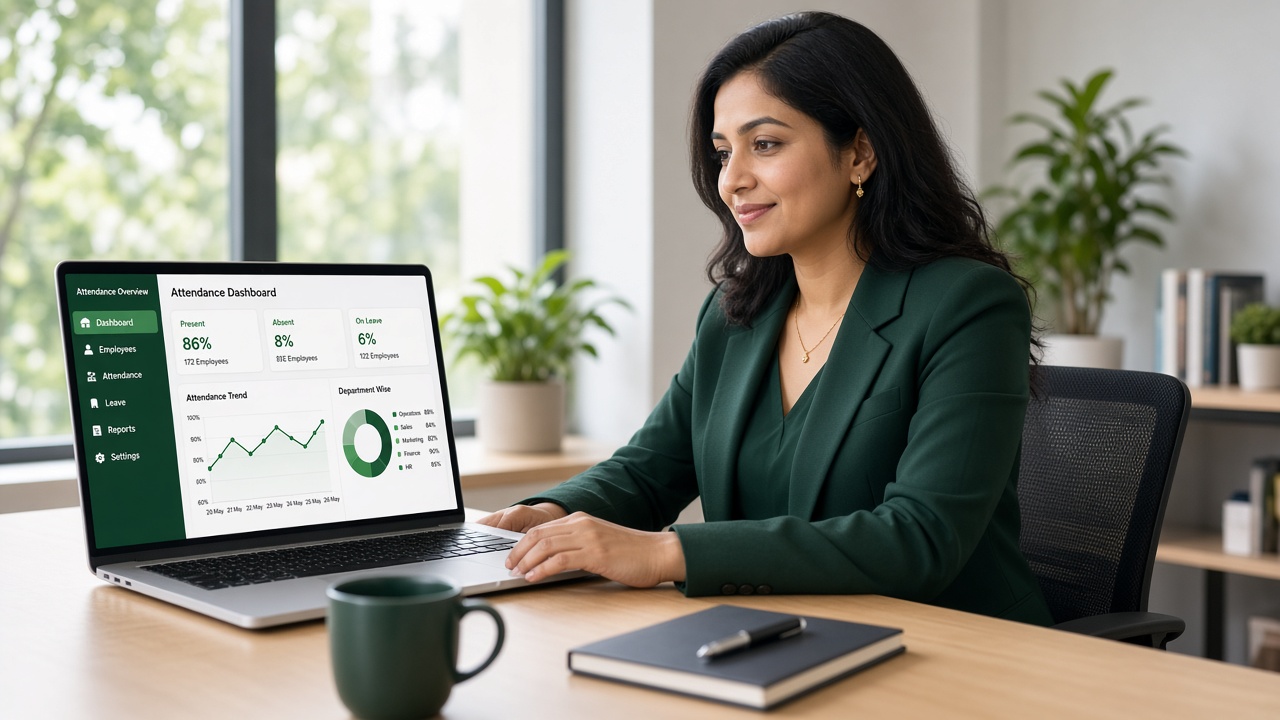
LIVE FLOOR
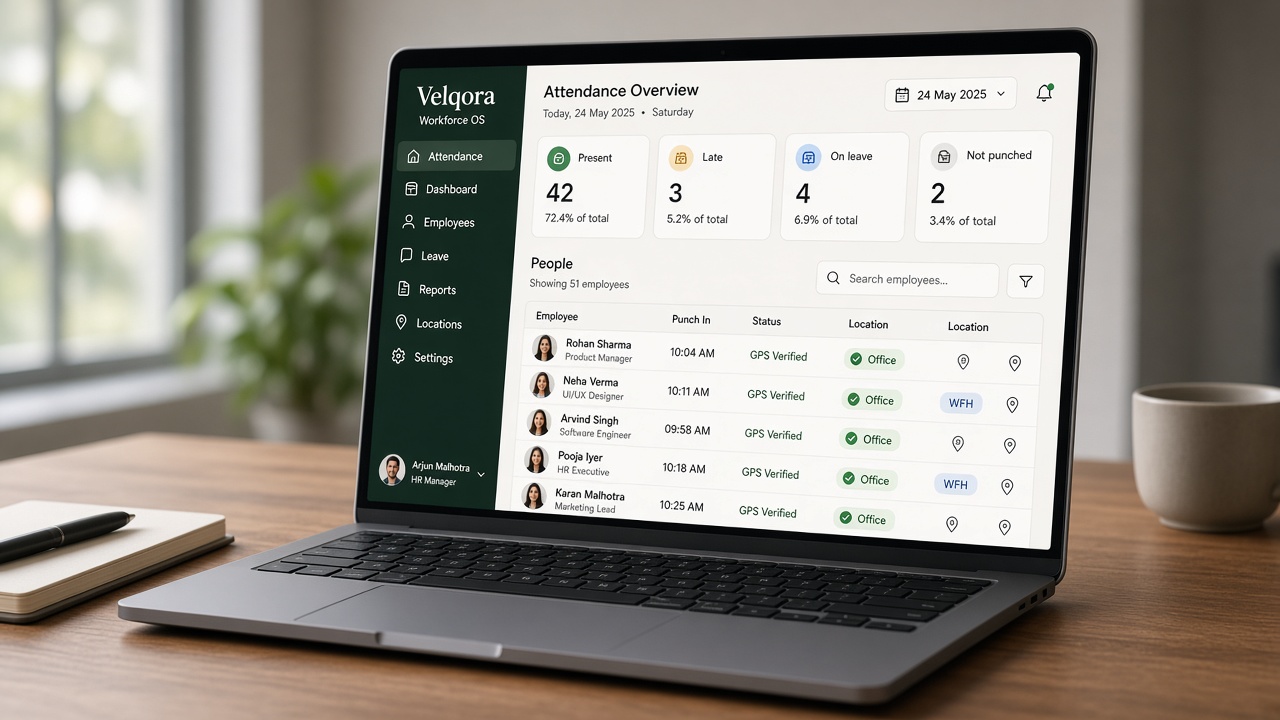
By 10:05 you know who is in.
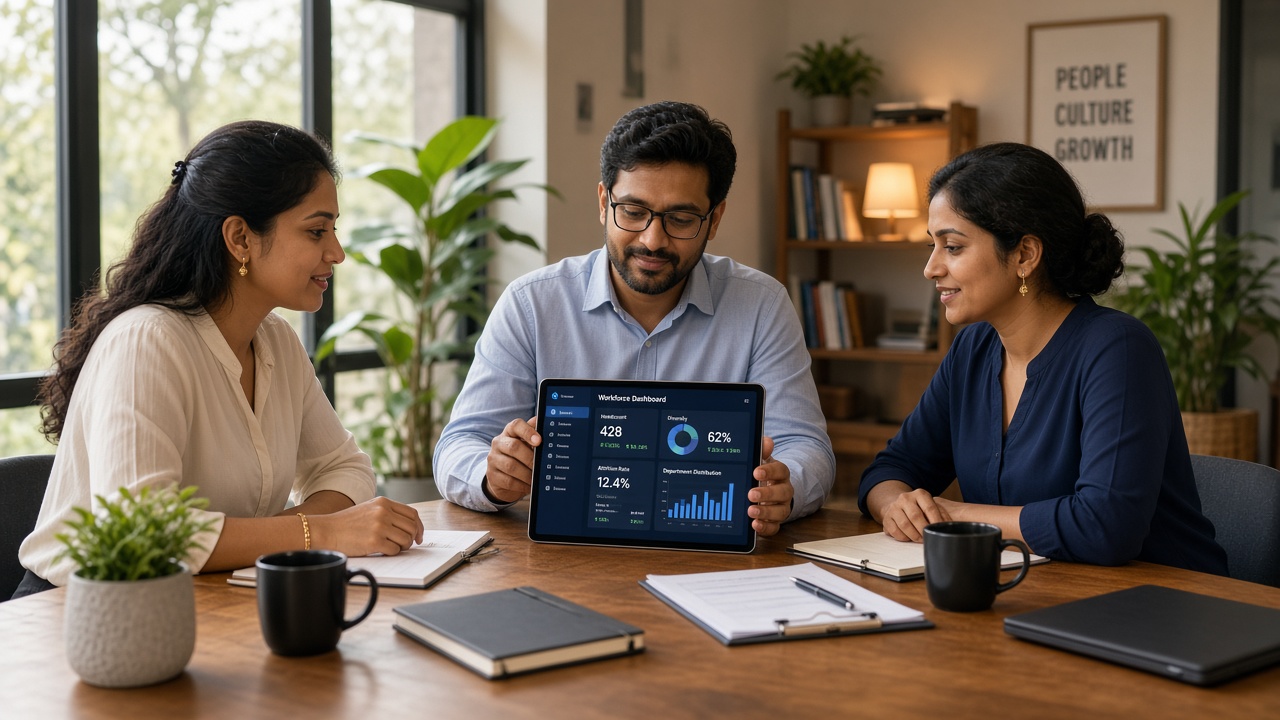
Present, late, on leave and not punched — with photo and GPS on every row.
BUILT FOR INDIAN HR TEAMS
Photo plus live GPS on every punch. Leaves that reach the right person. Payroll that will not lock until the month is actually clean.
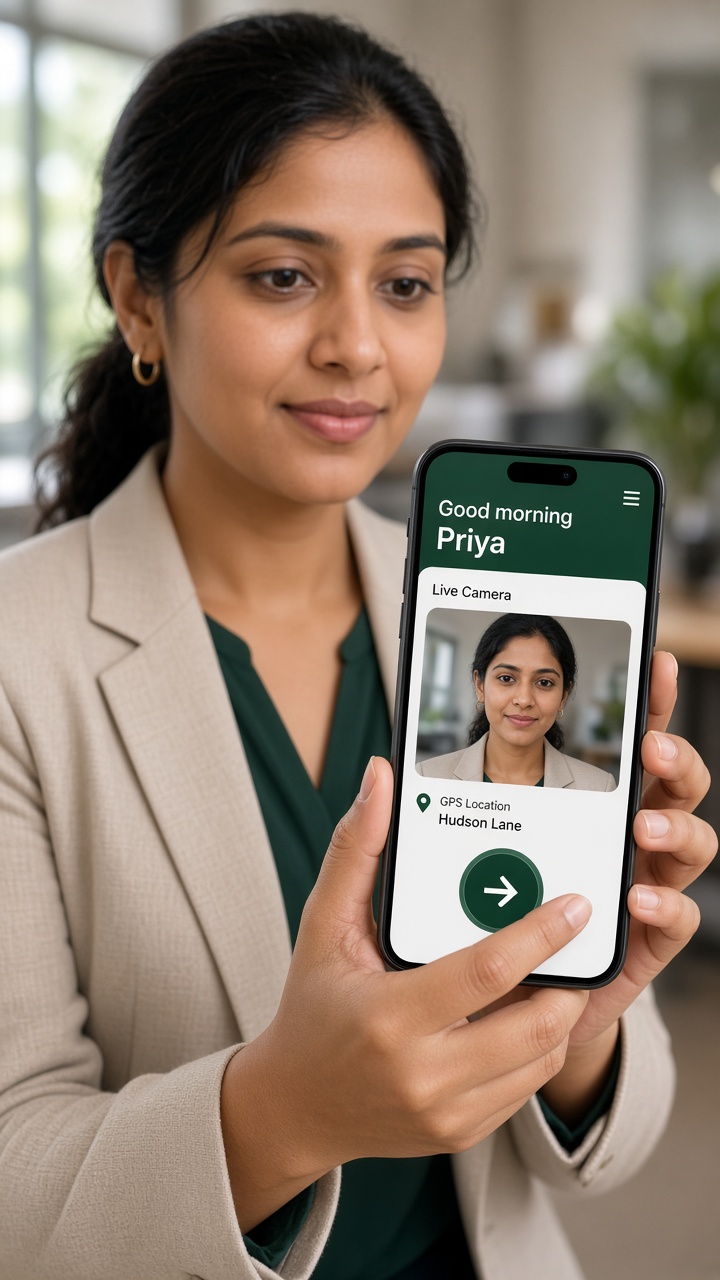
Photo, place and accuracy on every punch — before payroll argues.
WHAT HR SEES
Live floor, leave queue, then a month that cannot lock dirty.
Present, late, on leave and not punched — with photo and GPS on every row.
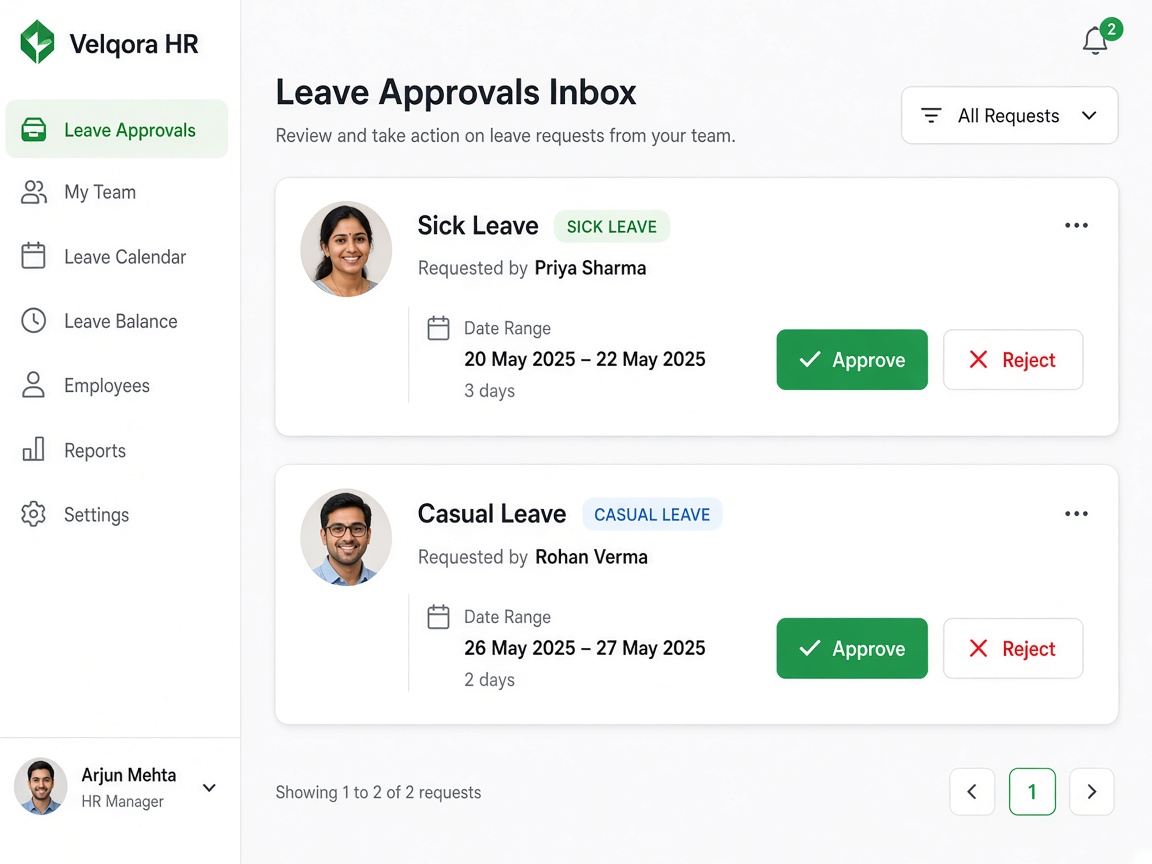
Requests land with the team lead or HR. Pending leave blocks payroll lock.
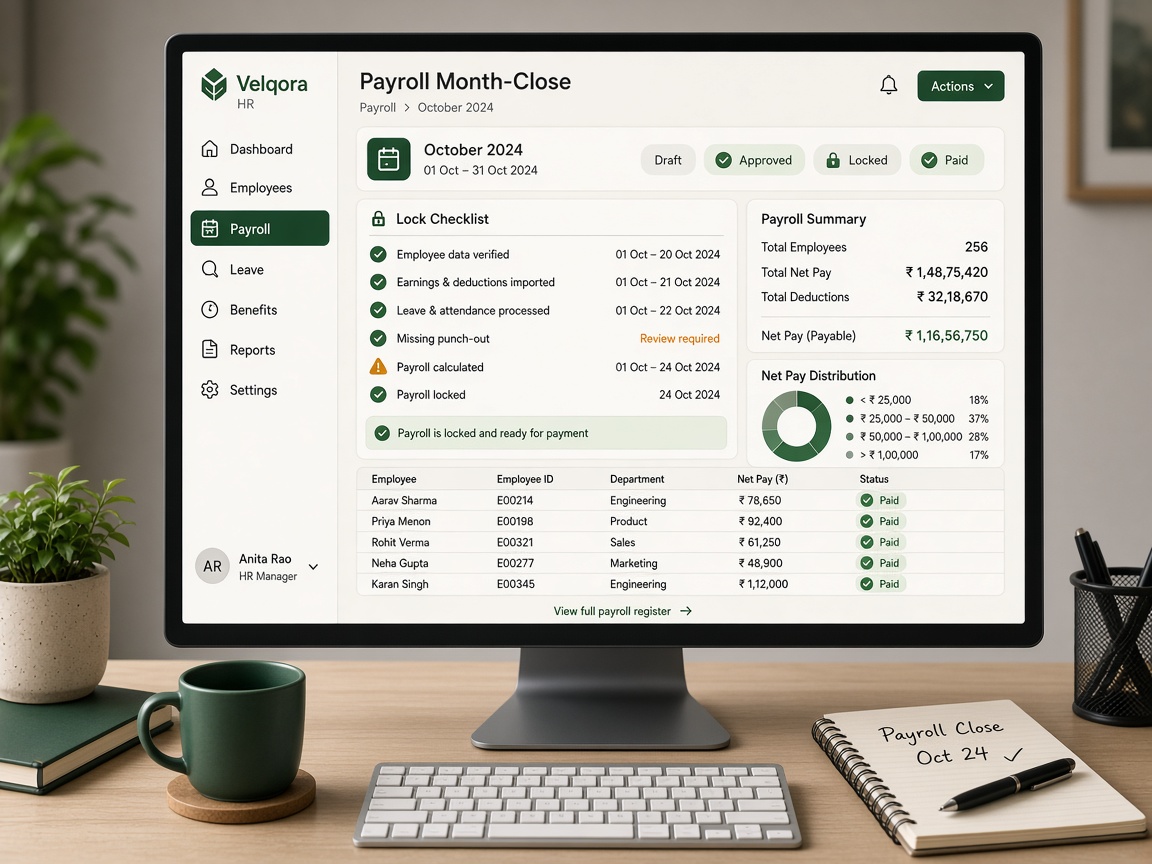
Missing outs, open corrections and half-days must be cleared first.
WHY THIS FEELS DIFFERENT
Office and WFH on the same day. IST. INR. A phone app people will actually punch on.
Office or WFH, then a live camera photo and a fresh GPS fix. Photo, coordinates, place name and IP stay on the record.
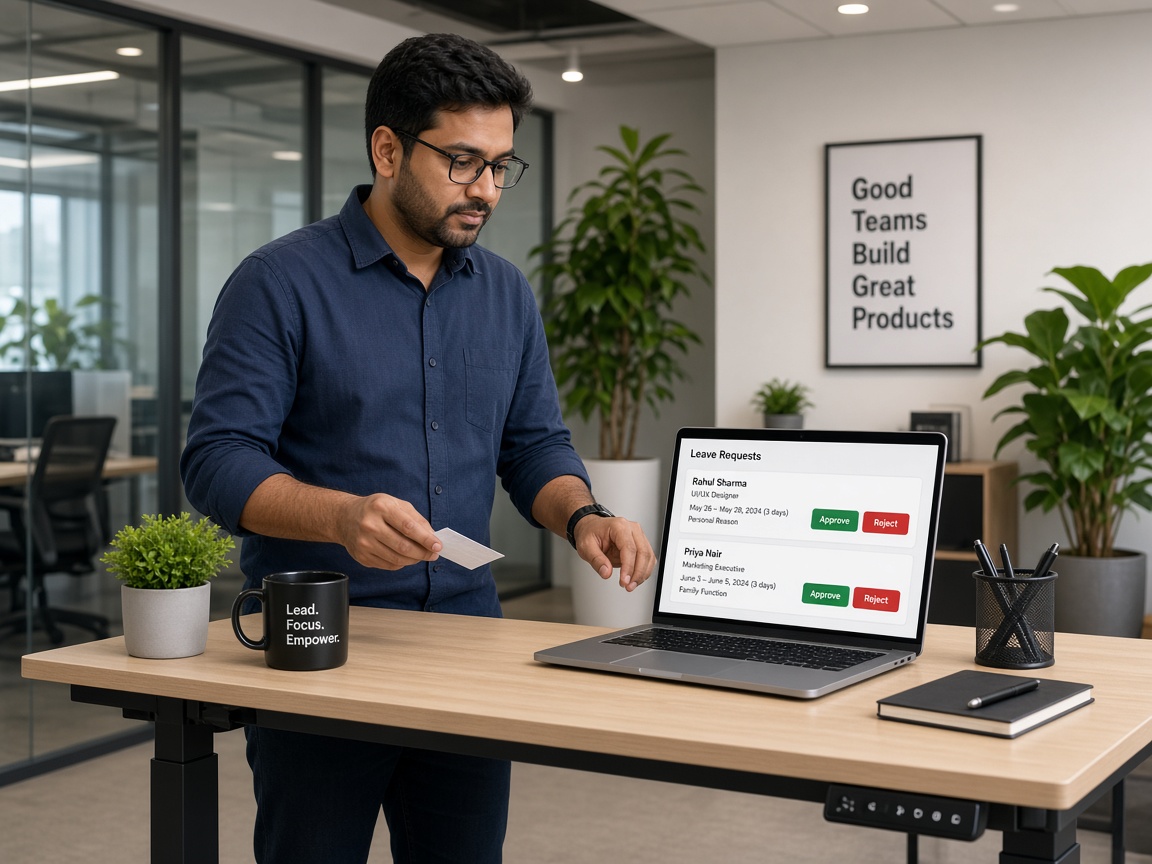
Sick, casual, paid or unpaid go to the team lead, or straight to HR. Until someone decides, that person cannot lock payroll.
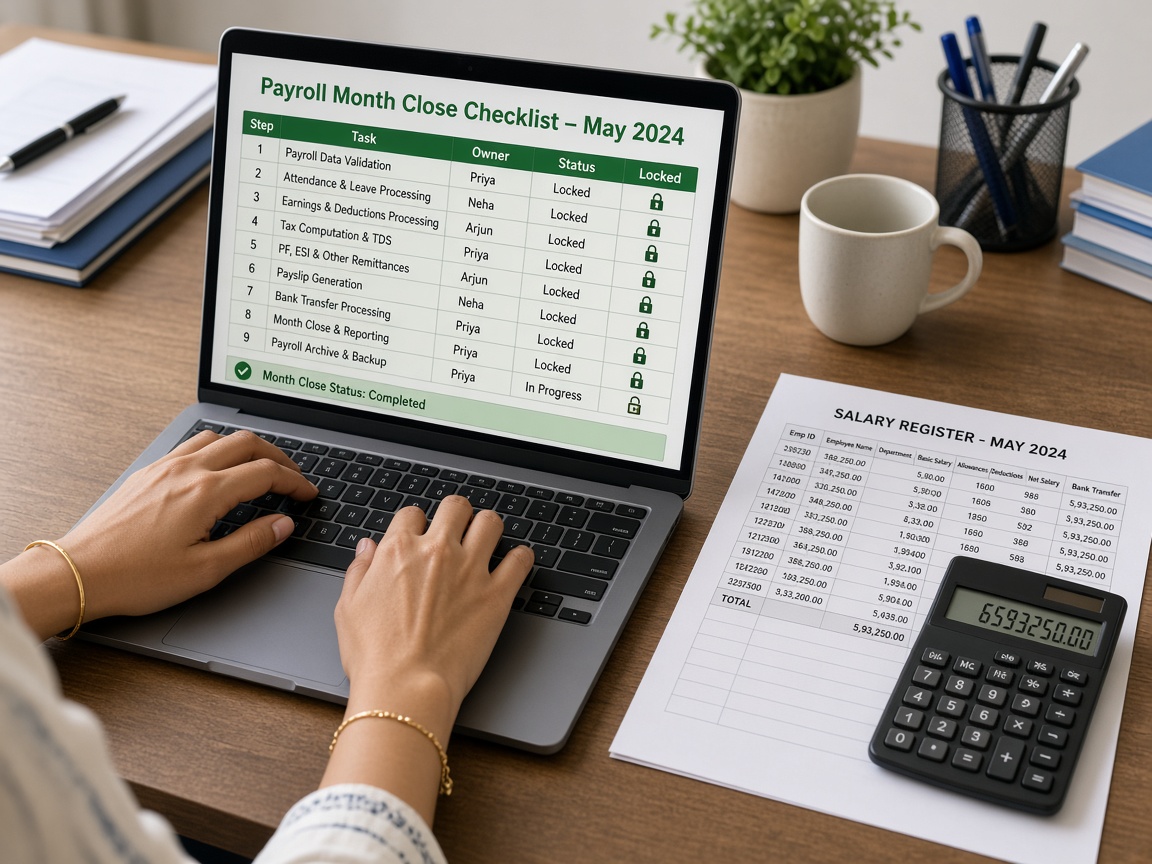
Draft, approved, locked, paid. Lock stays blocked until punch-outs, pending leave and half-days are clean.
ALSO IN THE CONSOLE
People, policy, slips and exit — not five Excel files around attendance.
Employee IDs, department, joining, probation, and nested salary ready for the month.
Two requests a month by default. Pending corrections block payroll lock.
Holidays, department shifts and per-person weekly off, kept with the month they ran.
HR grants a slip. Exit gets a generated statement, not a rebuilt sheet.
Assign laptops and SIMs, then a photo acknowledgement when they come back.
Install from the browser. Indian mobile OTP. Push for leave and shift reminders.
TRY IT LIVE
Leave your details, open HR or the employee phone, and follow the tips inside. Sample IDs are signed in for you — you do not type a password.
Step 1 — leave your details, then the demo buttons unlock a live login.
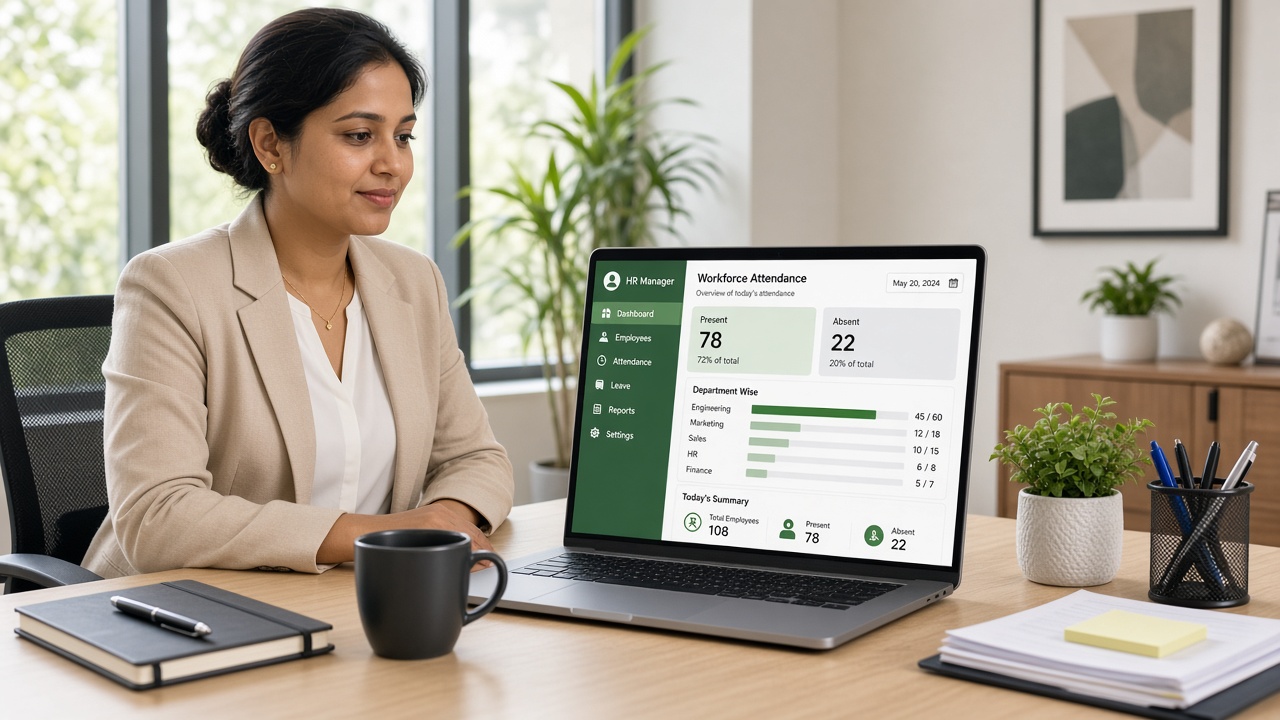
Opens the live HR dashboard — overview, leaves, payroll lock. Tips will guide you after you land.
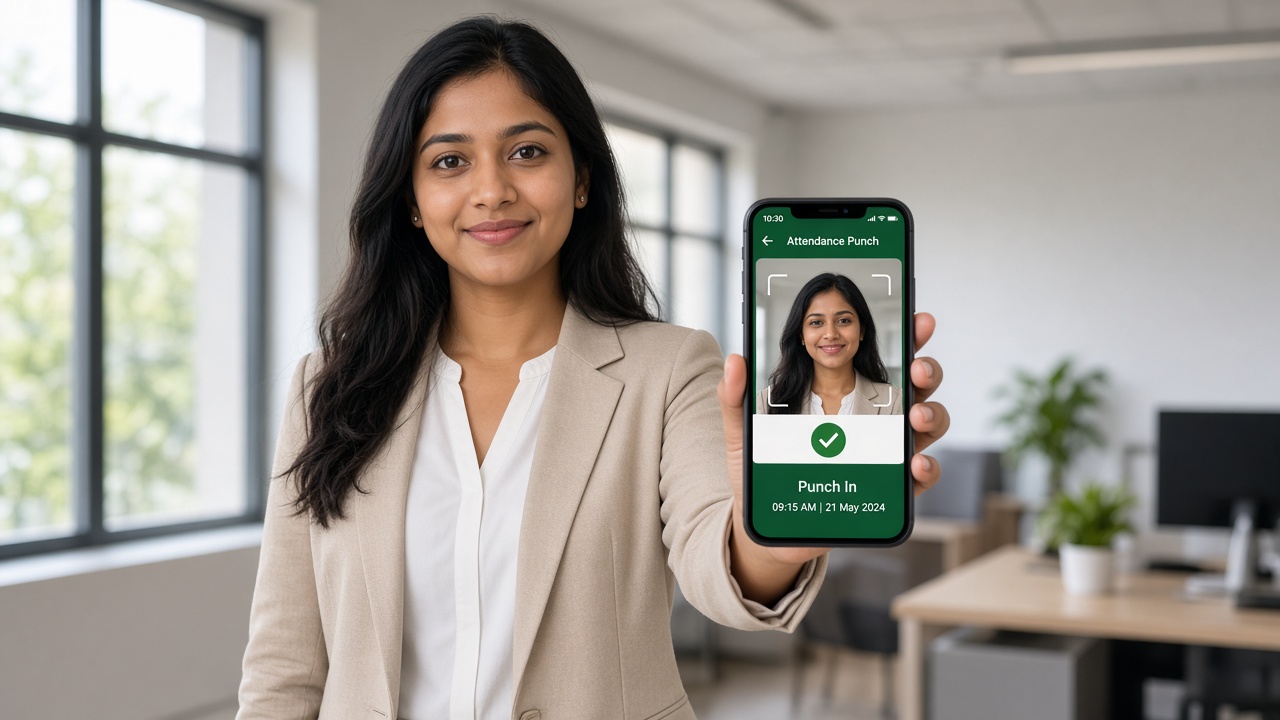
Opens the live employee app — punch with photo and GPS, leave, slips.
Open the live HR dashboard, then the employee phone. Company logins stay on Employee sign in and HR sign in.
Start the live demo